How to manage Overtime and Shifts with Attendance Software?
How to Manage Overtime and Shifts with Attendance Software
Managing overtime and shift schedules sounds simple until you’re juggling last-minute changes, payroll errors, and employees asking “Is this shift confirmed?” every other day. This is exactly where modern attendance software steps in and cleans up the chaos.
If you want to reduce errors, stay compliant, and keep your workforce running smoothly, a smart attendance system is one of the easiest upgrades you can make. Let’s break down how it helps you manage overtime and shifts without the headaches.
Why Attendance Software Matters for Overtime and Shift Management
As your team grows, manual tracking becomes risky. Small mistakes lead to payroll discrepancies, compliance issues, and employee dissatisfaction. Good attendance software removes guesswork and gives you real-time visibility into:
Actual hours worked
Who is on shift, off shift, or on leave
Overtime triggered automatically
Shift changes and approvals
Accurate data synced with payroll
Instead of relying on spreadsheets, everything runs on one automated system.
1. Automated Overtime Calculation
Overtime mistakes are common when hours are tracked manually. Attendance software eliminates this by:
Capturing clock-in and clock-out data in real time
Applying company rules and labour laws automatically
Identifying late stays, extra hours, and double shifts
Sending alerts when an employee hits overtime
This ensures employees are paid fairly, and the company stays compliant.
2. Smart Shift Scheduling for Teams of Any Size
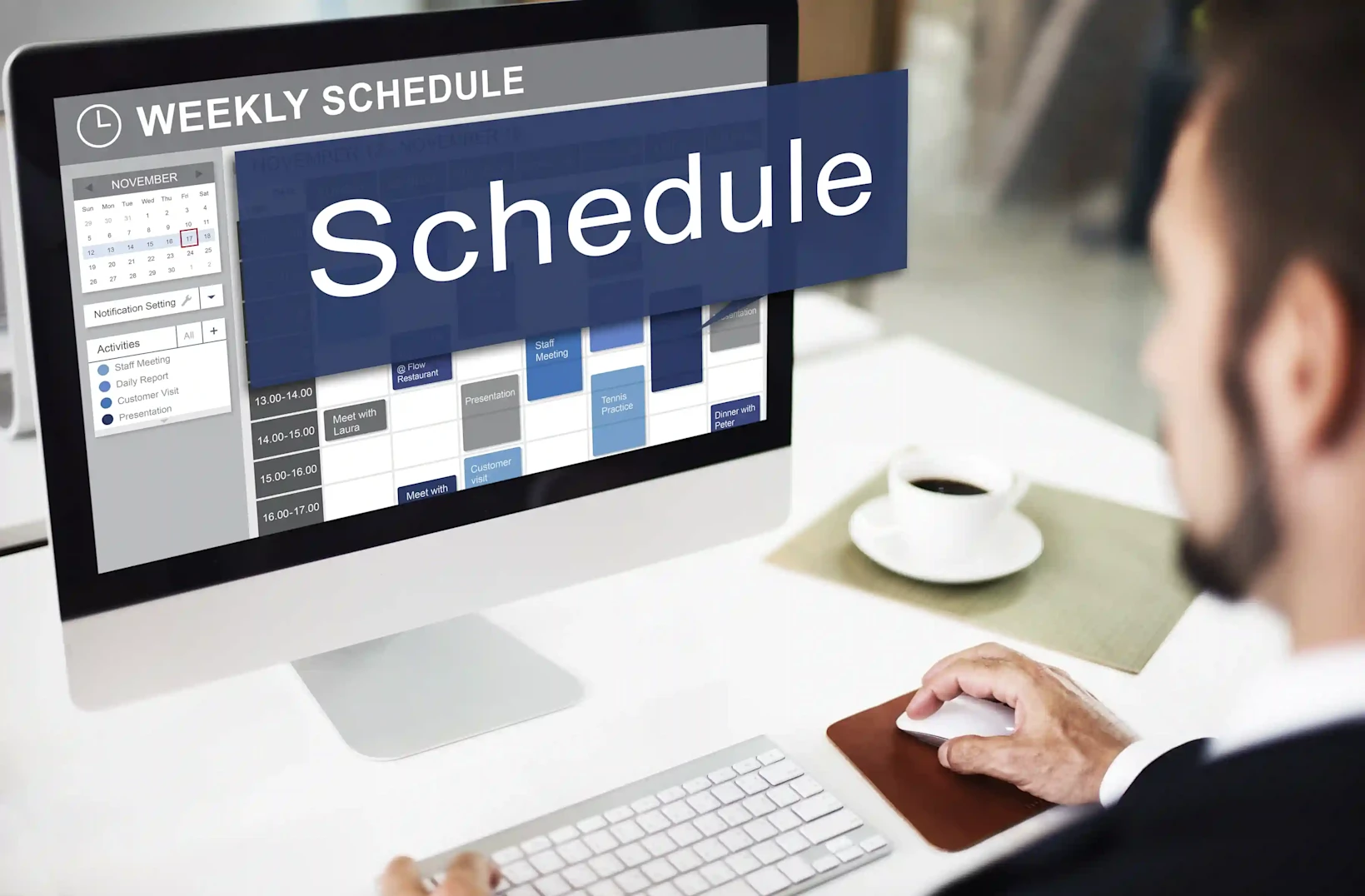
Shift management is a lot easier when you can see availability, leave requests, and work patterns in one place.
With attendance software, you can:
Build shift calendars for weekly, rotational, or custom shifts
Assign employees based on skill, availability, or department
Send instant notifications for assigned or changed shifts
Avoid double-booking and understaffing
Manage multiple locations from the same dashboard
The system keeps everyone aligned without HR having to manually chase confirmations.
3. Easy Shift Swaps and Adjustments
Last-minute changes happen. A good system makes them painless.
Employees can request shift swaps or adjustments directly from the mobile app. Managers get a quick notification and can approve with one tap. The software updates the schedule instantly, ensuring accuracy.
This reduces calls, messages, and confusion.
4. Accurate Timesheets Synced Directly to Payroll
Timesheets can be messy — missing hours, rounding errors, and mismatched records.
Attendance software fixes this with:
Auto-generated timesheets
Approved overtime added instantly
Late arrivals or early exits are recorded clearly
Shift-based pay calculations
Direct sync with payroll systems
Payroll becomes smooth, accurate, and stress-free.
5. Real-Time Insights and Reports
Data helps managers make smart decisions. Attendance software provides:
Total overtime hours
Department-wise shift performance
Patterns of absenteeism
Workload analysis
Labor cost projections
This allows HR to adjust staffing, control overtime expenses, and improve workforce planning.
6. Helps You Stay Legally Compliant
India’s labour laws around overtime, weekly offs, working hours, and public holidays can get complicated. Attendance software helps you stay on the right side of compliance by:
Applying legal overtime rules automatically
Preventing excessive working hours
Maintaining digital attendance records
Ensuring audit-ready reports
Compliance becomes effortless instead of stressful.
7. Mobile Attendance for On-the-Go Workforce
If you have field teams, remote workers, or multiple branches, mobile attendance is a lifesaver.
Features include:
GPS-based clock-in/out
Face recognition
Location tagging
Shift reminders
Real-time sync to backend
Everyone logs time accurately, no matter where they work.
How EasyHR Makes Overtime and Shift Management Simple
EasyHR’s attendance module was built to reduce manual work and help companies run smarter. Here’s what it does best:
Auto-calculates overtime
Handles multi-shift and rotational shifts
Supports biometric, mobile, and web attendance
Syncs with payroll instantly
Gives managers real-time visibility
Helps maintain compliance effortlessly
Whether your company runs day/night shifts, field operations, or a regular 9–6 setup, EasyHR adapts to your flow.
Final Thoughts
Stressful overtime and shift management can seem like a daunting task, still, when your attendance system automates processes like scheduling, payroll, compliance, and overall employee satisfaction, everything will run more smoothly. If you are currently managing hourly attendance manually, now would be a great time to transition to an automated attendance system.